Download Systweak Disk Speedup 3.4.1.18124 – Chống phân mảnh ổ cứng
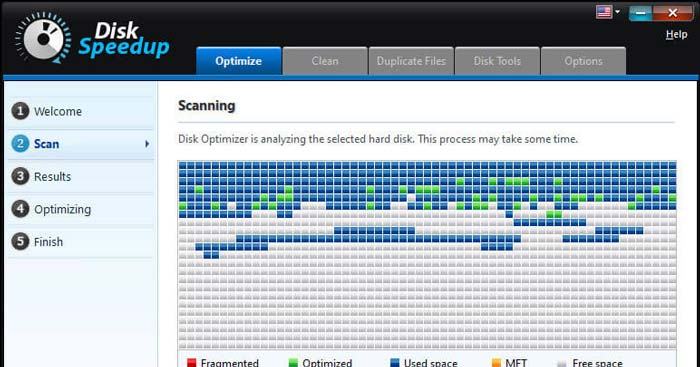
Download Systweak Disk Speedup 3.4.1.18124 – Chống phân mảnh ổ cứng

Systweak Disk Speedup là một ứng dụng tuyệt vời, giúp người dùng loại bỏ các tập tin không cần thiết, gỡ bỏ các file bị phân mảnh từ ổ đĩa cứng và tăng cường hiệu suất hệ thống bằng cách tối ưu hóa ổ đĩa.
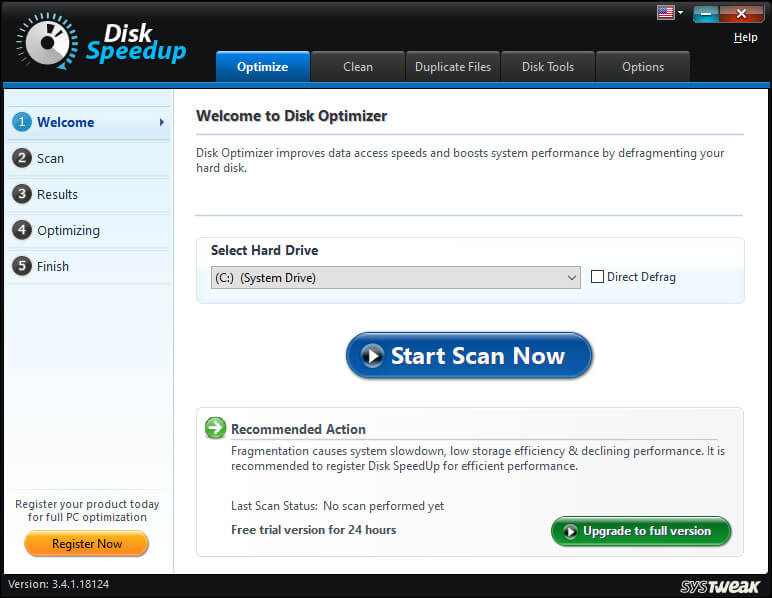
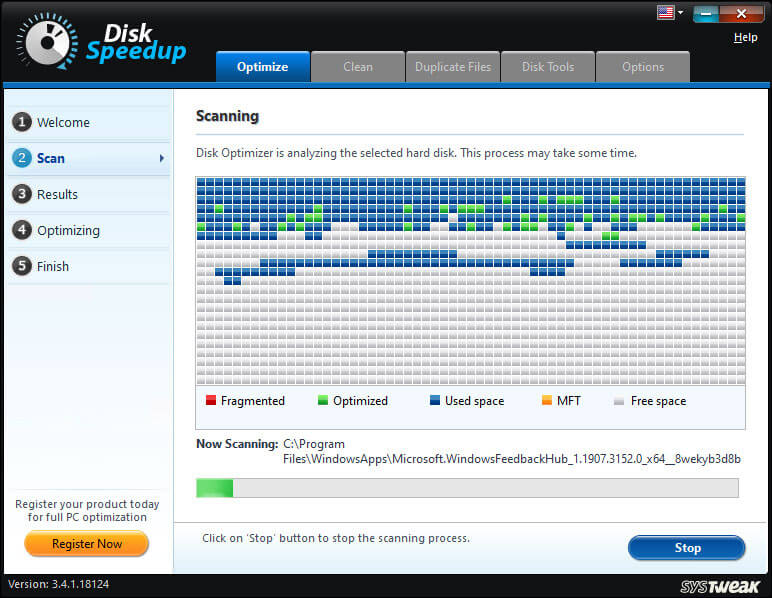
Systweak Disk Speedup giúp sắp xếp các file bị phân mảnh. Sau đó, quét toàn bộ ổ đĩa để xác định các tập tin phân mảnh và loại bỏ chúng khỏi ổ cứng. Điều này giúp tích hợp dữ liệu bị phân mảnh, để truy cập nhanh chóng. Hơn nữa, nó tạo ra không gian trống, giúp hệ thống hoạt động hiệu quả và nhanh hơn.
Systweak Disk Speedup cung cấp giải pháp hiệu quả cho vấn đề phân mảnh dữ liệu và nâng cao hiệu suất hệ thống. Nếu hệ thống của bạn bị chậm truy cập dữ liệu, khởi động lâu và hiệu suất giảm thì đã đến lúc cần chống phân mảnh ổ đĩa với Systweak Disk Speedup. Phần mềm này sẽ giúp hệ thống hoạt động ổn định và nhanh hơn.
Tính năng chính của Systweak Disk Speedup
Chống phân mảnh đĩa nhanh và an toàn
Disk Speedup là công cụ chống phân mảnh ổ đĩa, tăng hiệu suất PC Windows và cải thiện thời gian phản hồi.
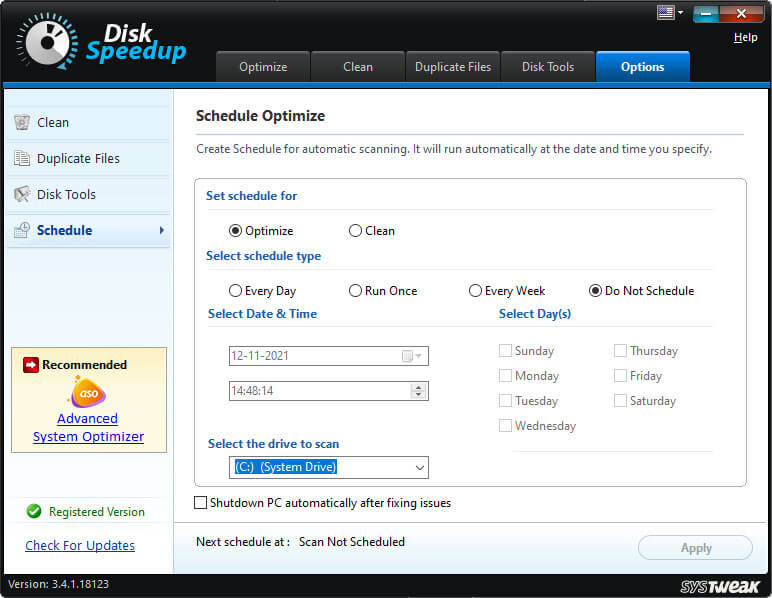
- Làm cho PC nhanh hơn
Disk Speedup tập hợp nhiều phần dữ liệu lại để truy cập nhanh chóng. - Nâng cao hiệu suất ổ đĩa
Disk Speedup sắp xếp các tệp phân mảnh để tăng dung lượng sử dụng của ổ đĩa. - Tải nhanh hơn
Sau khi chống phân mảnh, các tệp trên PC được truy cập nhanh hơn. - Khôi phục không gian
Disk Speedup chống phân mảnh ổ cứng và tối ưu không gian lưu trữ chưa sử dụng.
Cleanup of Junk and Temporary Files
Disk Speedup includes a junk cleaner, capable of effectively finding and removing junk and temporary files, to recover a significant amount of free space on your computer.
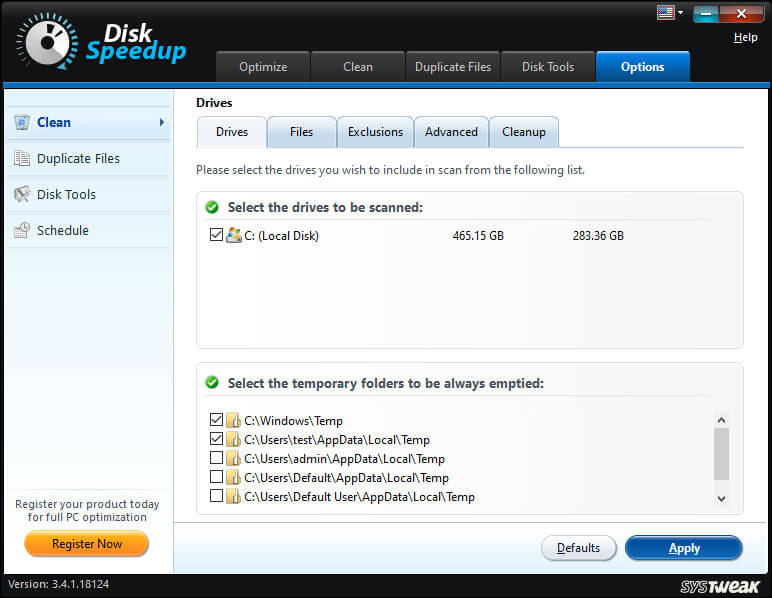
- Remove Unwanted Files
Delete junk, temporary, and other unwanted files from your PC. - Improve Performance
By removing unused files, Disk Speedup enhances the overall system performance. - Reclaim Space on PC
Remove unwanted files to regain significant storage space. - Create Space for New Files
Disk Speedup defragments the hard drive and frees up unused space for new files.
Safely Remove Duplicate Files
Scan and delete duplicate files to recover storage space and organize your data more efficiently.
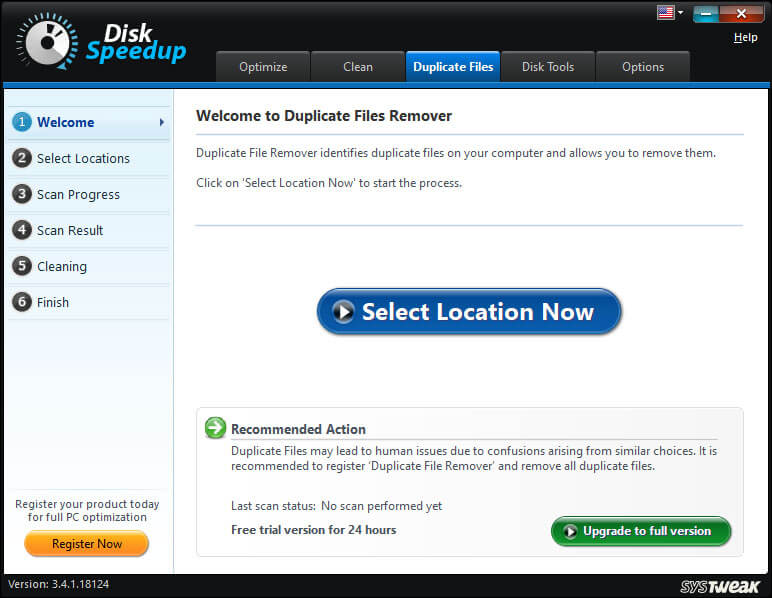
- Duplicate File Finder Tool
Disk Speedup optimizes the hard drive by removing all duplicate files. - Remove Duplicates with a Few Clicks
Select a folder and click Scan Now to find duplicate files. - Reclaim Space on Computer
Disk Speedup retrieves disk space with minimal effort. - Organized Data
Removing duplicates ensures your data is free of redundant and junk files.
Fix Drive Issues
Disk Speedup comes with Disk Doctor – capable of scanning and fixing hard drive issues as well as system file problems, ensuring smooth computer operation.
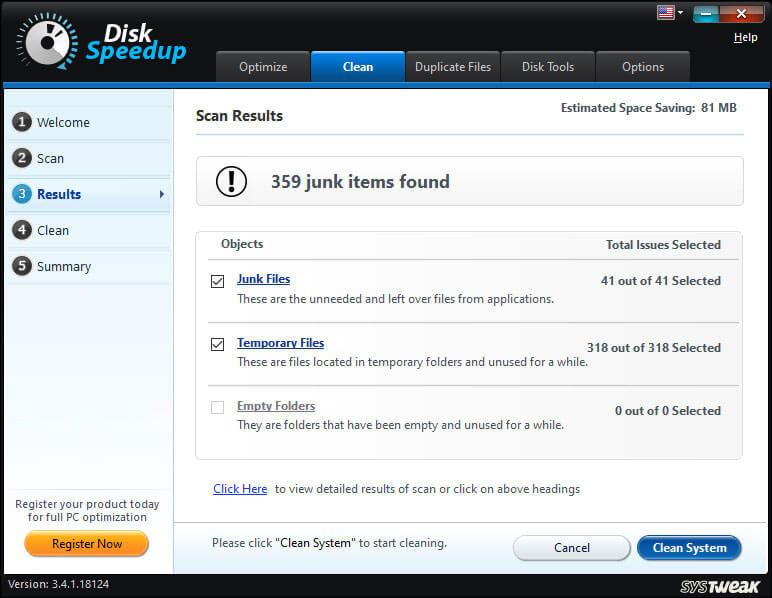
- Identify Bad Sectors
Disk Speedup identifies faulty storage areas and repairs them. - Check Hard Drive Data
Disk Speedup displays hard drive contents in an organized format. - Less Lag and Slowness
With various issues resolved, your computer runs with fewer disruptions. - No More Data Loss
Prevent the loss of important data due to crashes and drive failures – with Disk Speedup.