Download Kaspersky Update Utility 3 3.2.0.153

Download Kaspersky Update Utility 3 3.2.0.153

Kaspersky Update Utility cung cấp cơ sở dữ liệu virus mới nhất cho phần mềm của Kaspersky như Kaspersky Anti-Virus, Kaspersky Internet Security, Kaspersky Total Security…
Hướng dẫn sử dụng Kaspersky Update Utility 3
Sau khi giải nén tệp ZIP, bạn sẽ thấy một số tệp như sau:
- UpdateUtility-Console để chạy phiên bản console của tiện ích.
- UpdateUtility-Gui để chạy phiên bản đồ họa của tiện ích.
- updater.ini là tệp cấu hình của tiện ích.
- ReleaseNotes.txt chứa ghi chú phiên bản của tiện ích.
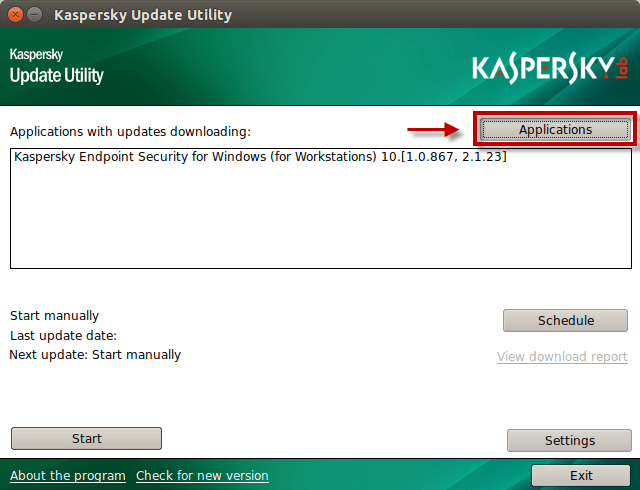
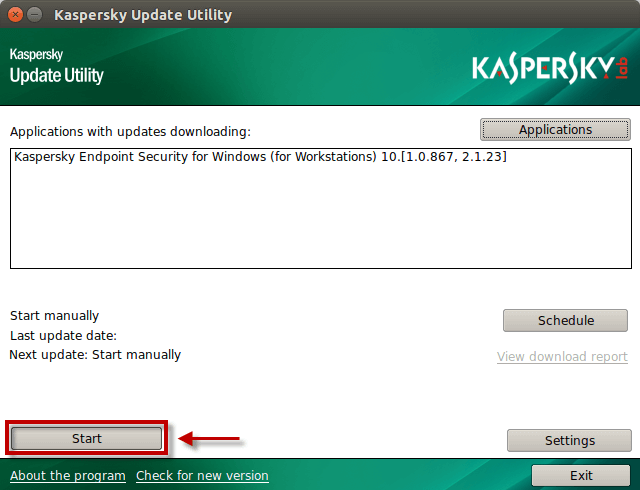
Bước 1 : Để sử dụng phiên bản đồ họa của tiện ích, chạy tệp UpdateUtility-Gui và nhấn nút Applications .
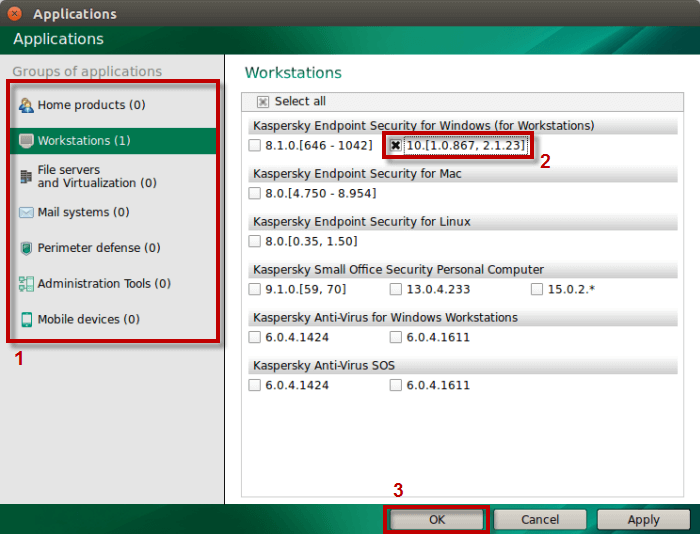
Bước 2 : Chọn sản phẩm của Kaspersky Lab mà bạn muốn cập nhật cơ sở dữ liệu.
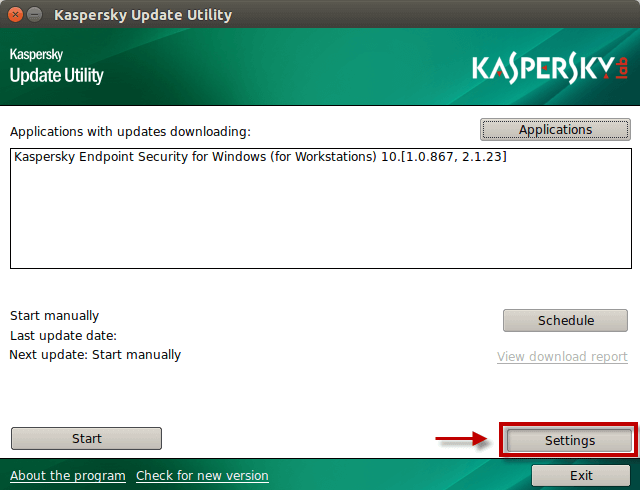
Bước 3 : Trong cửa sổ Kaspersky Update Utility, nhấn vào Settings .
Step 4 : In the Download section, specify the exact update folder and the temporary directory.
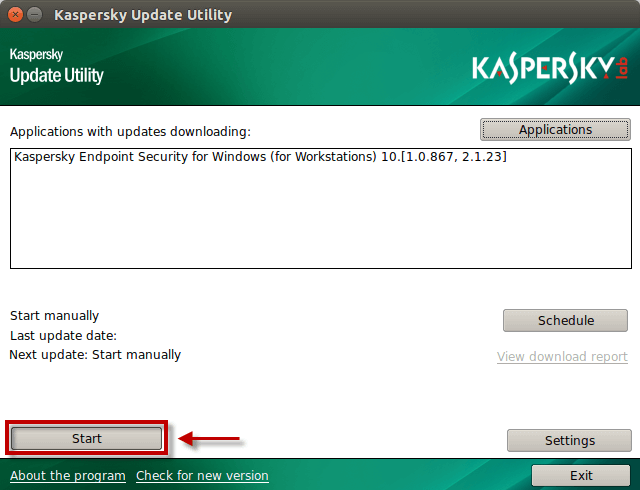
Step 5 : Click Start and wait until the download process completes.
Step 6 :
After the updates are downloaded, a subfolder Updates will be created in the specified directory. You can copy it to a mobile drive or share access to it (e.g., via FTP or SMB); Kaspersky Lab products will use it to update their databases.
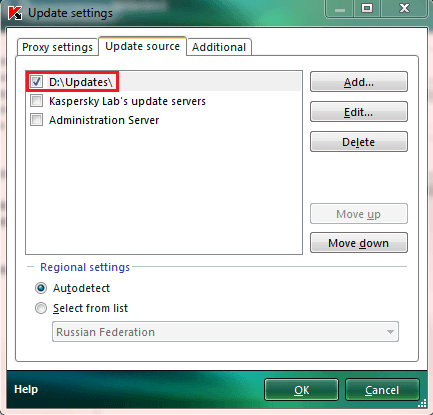
- Update via a local network without Internet access: open network access to the Updates folder and set it as the update source in the Kaspersky Lab product that has downloaded the databases.
- Local update (using mobile media): copy the Updates folder to a mobile drive or USB, connect it to the computer requiring updates, and set the Updates folder on the mobile media as the update source in Kaspersky Lab.